RC Transfer Process for Second-Hand Vehicles
4 Jul 2025
Written by: BikeCarHub Editorial Team
Published on: 4th July 2025
Introduction
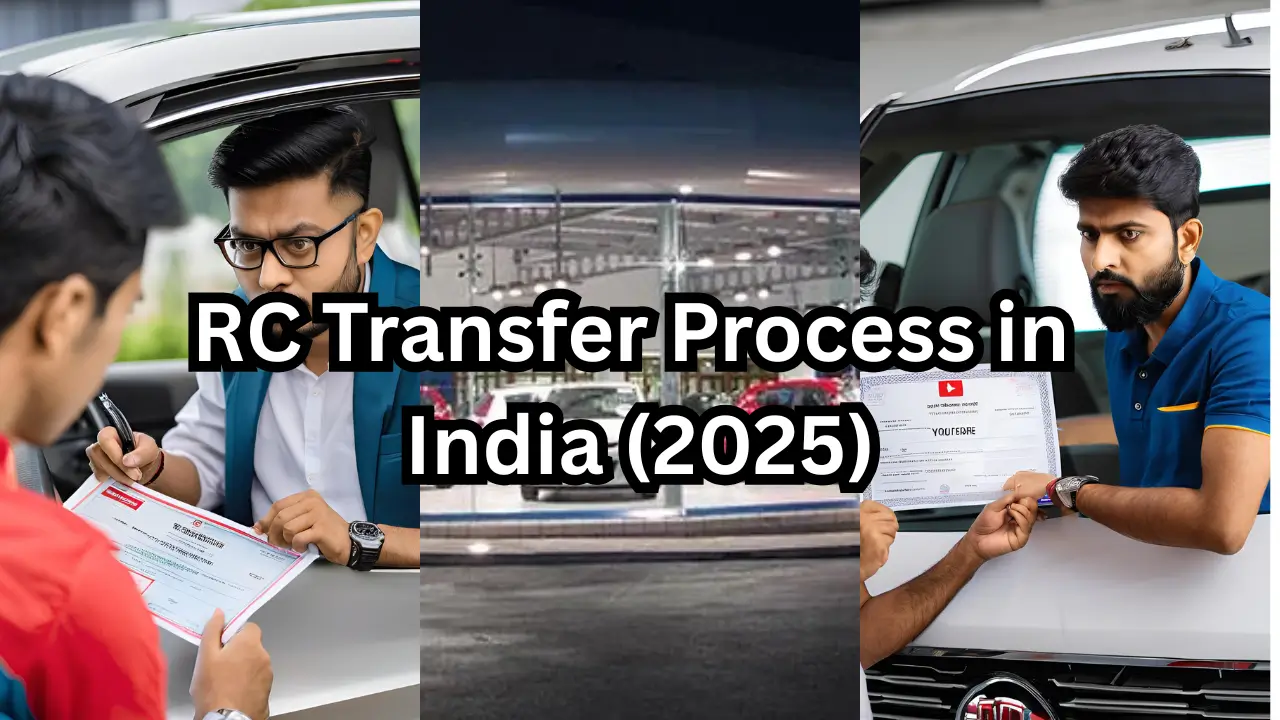
Buying or selling a second-hand vehicle in India? One of the most critical legal steps you must complete is the RC (Registration Certificate) transfer. It ensures that the buyer becomes the new registered owner of the vehicle, removing the seller from all future liabilities related to that vehicle.
Thanks to digital India initiatives, the RC transfer process has become easier and faster through online portals like Parivahan. In this 2025 step-by-step guide by BikeCarHub, we explain how to transfer RC for second-hand vehicles efficiently, legally, and conveniently.
Why RC Transfer is Necessary
- Legal ownership proof for the buyer
- Protects seller from future traffic fines or legal issues
- Required for insurance claim settlement
- Mandatory during vehicle resale or loan applications
When is RC Transfer Required?
- After the sale of a used vehicle (bike or car)
- Within-family transfers (gift or inheritance)
- Ownership change due to the death of the owner
- Inter-state relocation and registration change
RC Transfer Scenarios
1. Same-State Transfer Buyer and seller reside in the same state
2. Inter-State Transfer Vehicle sold and registered in another state
3. Death of Owner Requires succession certificate or legal heir declaration
Documents Required for RC Transfer
| Document Name | Purpose |
|---|---|
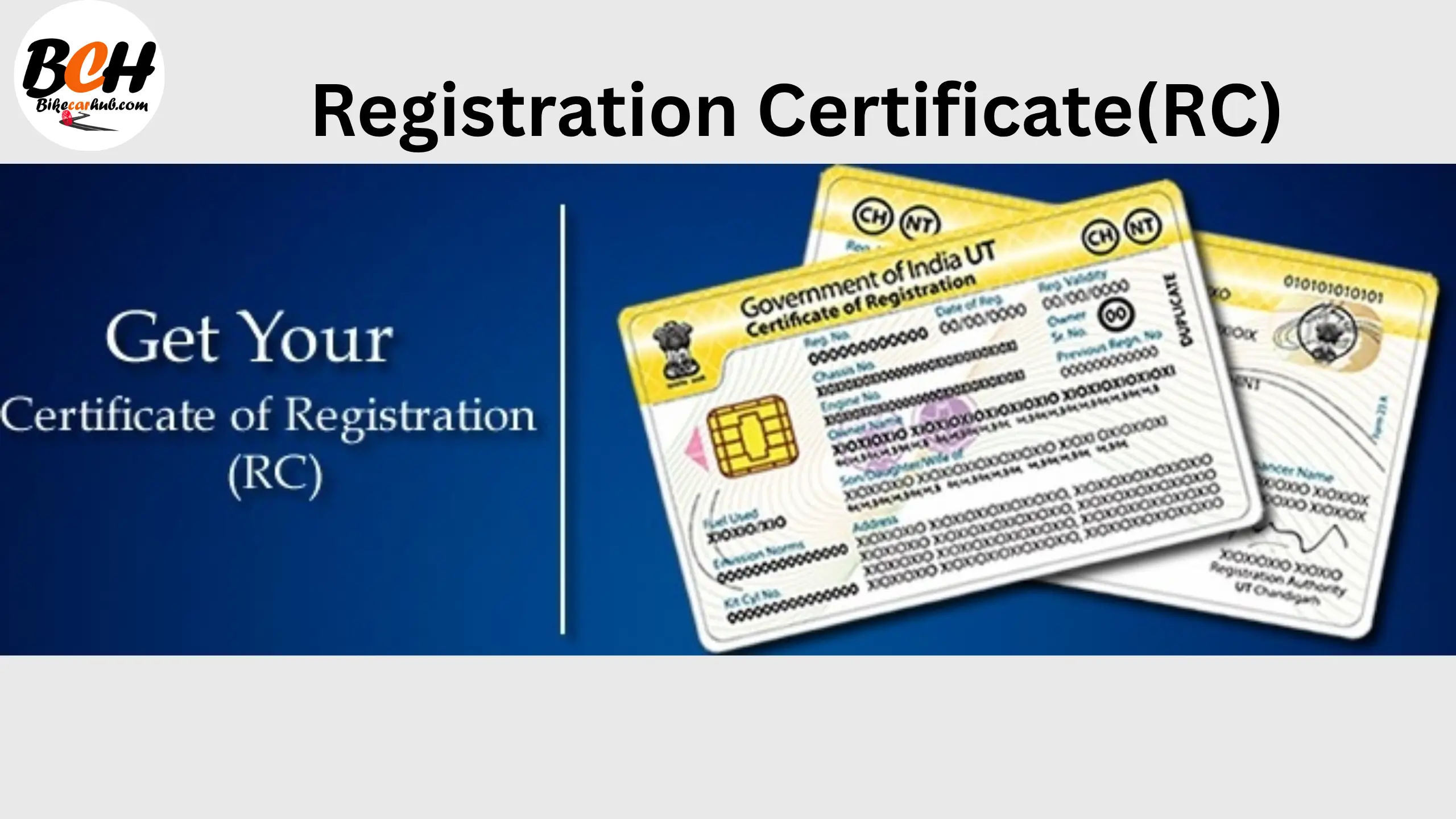
| Original RC | To validate current ownership |
| Form 29 & 30 | Notification and application for ownership transfer |
| PUC Certificate | Valid emission compliance |
| Insurance Certificate | Mandatory for transfer approval |
| Address & ID Proofs | Aadhaar, PAN, Passport, etc. |
| NOC (if inter-state) | No Objection Certificate from original RTO |
| Form 28, 27, 35 | Additional for interstate or hypothecation removal |
Pre-Transfer Checklist
- Ensure the vehicle has no pending challans (check via eChallan portal)
- Clear loan hypothecation if active
- Verify insurance and PUC validity
- Make a notarized sale agreement
- Scan and keep digital copies ready
Step-by-Step Guide to Online RC Transfer (Same State)
Step 1: Visit the Parivahan Portal
Go to https://parivahan.gov.in and select "Vehicle Related Services."
Step 2: Choose State and RTO
Select your respective state and RTO office.
Step 3: Select "Transfer of Ownership"
Enter the vehicle registration number and chassis number (last 5 digits).
Step 4: Fill Buyer and Seller Details
Include names, addresses, contact details, and sale date.
Step 5: Upload Documents
Submit scanned copies of RC, Form 29 & 30, ID proofs, insurance, and PUC.
Step 6: Pay Online Fee
Fees can be paid via UPI, cards, or internet banking.
Step 7: Book RTO Appointment (if required)
Some RTOs may ask for physical verification.
Step 8: Submit Acknowledgment Receipt
Keep a digital/printed copy of your application for reference.
Online RC Transfer for Inter-State Vehicle
Additional Steps:
- Apply for NOC from original RTO using Form 28
- Submit Form 27 (re-registration) and pay applicable road tax
- Transfer RC after receiving NOC and re-registration
Note: New RC will have the updated RTO code of the buyer's state.
RC Transfer Charges & Fees (2025)
- Regular Bike Transfer: ₹30 - ₹35 (state-dependent)
- Smart Card Fee: ₹200
- Imported Bike Transfer: Up to ₹100 (state-dependent)
Online vs Offline RC Transfer
| Feature | Online Transfer | Offline Transfer |
|---|---|---|
| Speed | 7-15 days | 15-30 days |
| Convenience | High | Low |
| Document Submission | Digital | Physical |
| Payment Mode | Online | Cash/DD |
| Tracking | Real-time | Manual follow-up |
BikeCarHub Tip: Go digital! It's faster, safer, and more transparent.
How to Track RC Transfer Status
- Visit Parivahan > Vehicle-Related Services
- Click "Application Status"
- Enter Application Number and Date of Birth
- View real-time status: pending, under review, approved, dispatched
Common Mistakes to Avoid
- Failing to check pending challans
- Missing NOC in case of inter-state transfer
- Not updating insurance to buyer's name
- Uploading poor quality or incorrect documents
- Delaying submission post-sale
Tips for Smooth RC Transfer
- Always use high-resolution scanned documents
- Choose weekdays for RTO appointments
- Maintain backup copies of receipts and forms
- Start the process within 14 days of sale
Conclusion
Transferring the RC of a second-hand vehicle is a legal requirement that protects both the buyer and seller. With the Parivahan portal, the process has become highly efficient and transparent. Whether you're selling your old bike or buying a used scooter, following the correct RC transfer process will ensure smooth ownership change.
For more vehicle ownership and legal guides, visit BikeCarHub — your trusted motor companion.
FAQs — RC Transfer Process for Second-Hand Vehicles
BikeCarHub always recommends taking a test drive of both vehicles to feel the difference yourself before making a purchase.
Check other brands here
Royal Enfield Motors Click Here!
For Suzuki Motors Click Here!